One day I decided to make a game. Not in Unity, not in Godot — in raw C#. Why? Because I have a CS degree and I wanted to know what actually sits underneath every “drag your sprite here” button in every engine ever.
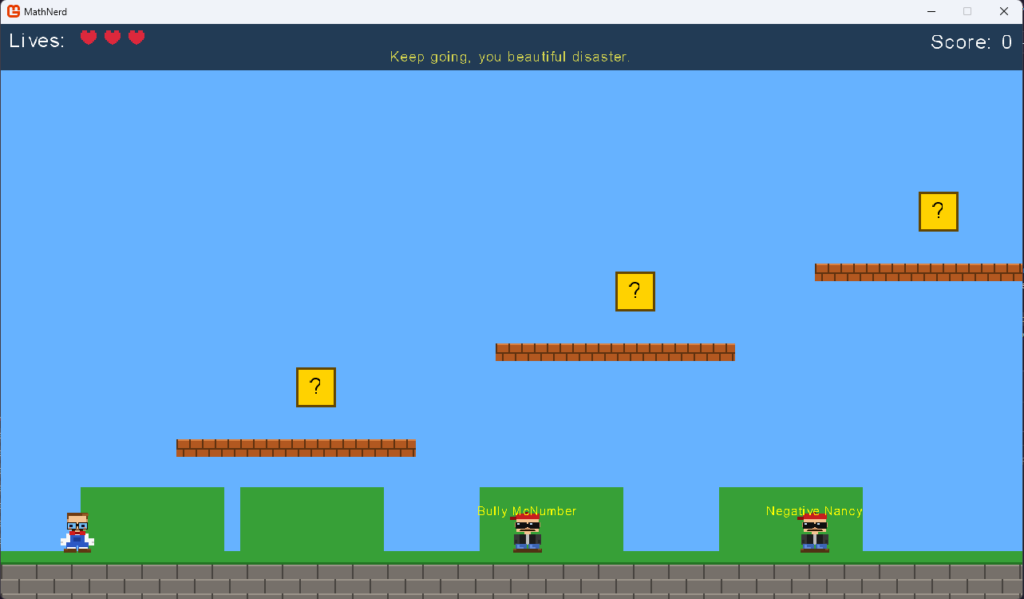
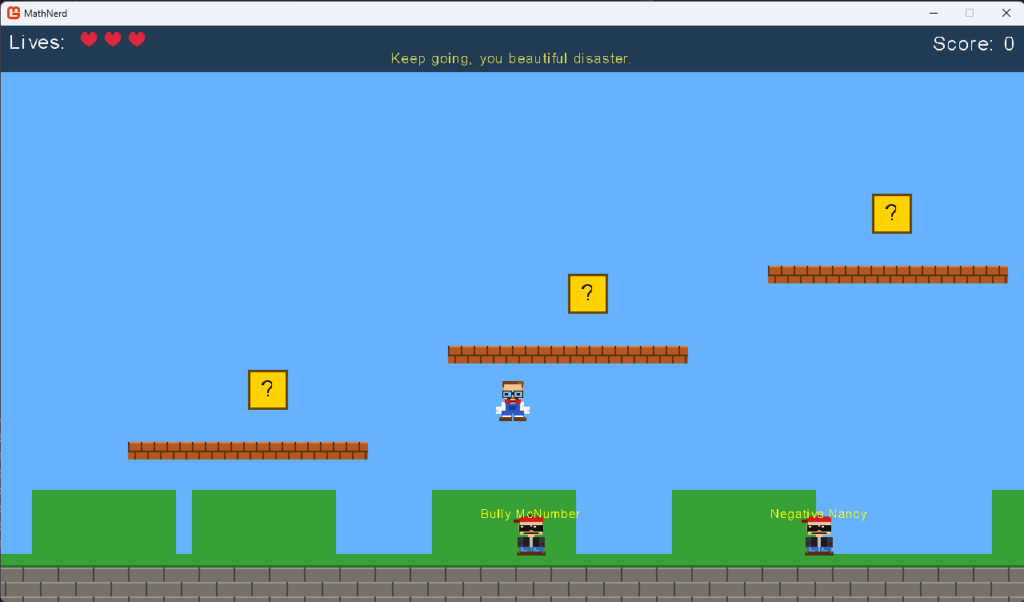
The result: MathNerd — a Mario-style platformer where a glasses-wearing nerd in a bow tie must defeat bullies by solving math problems. Yes, it’s an educational game. No, I’m not proud. Yes, it’s funny.
What is MonoGame?
MonoGame is an open-source .NET game framework — the spiritual successor to Microsoft’s XNA. It gives you:
- SpriteBatch for rendering
- Content Pipeline for asset management (fonts, textures, sounds)
- GameWindow, keyboard/gamepad input, and the game loop
What it does not give you: scenes, component systems, visual editors, or a hand to hold. It’s just you and Update(GameTime).
Architecture in 5 minutes
The whole game lives in a handful of .cs files:
scripts/
├── Player.cs          — the nerd (pixel art made of rectangles)
├── Enemy.cs           — the bully (also rectangles, fancier)
├── Level.cs           — platforms, question blocks, enemies
├── Physics.cs         — AABB collision, gravity
├── MathPopup.cs       — math question overlay + countdown timer
├── MathChallengeManager.cs — question generator
├── HUD.cs             — hearts, score, rotating taunts
└── Camera.cs          — horizontal scrolling
No magic. One 1×1 white Texture2D, and SpriteBatch.Draw(pixel, rect, color) for everything. The entire game is colored rectangles. I am not joking.
Pixel art without images
void D(int dx, int dy, int w, int h, Color c) =>
    sb.Draw(pixel, new Rectangle(bx + dx, by + dy, w, h), c);

// The nerd's face
D( 5,  4, 22, 18, skin);   // face
D( 3, 12, 12,  9, frm);    // left glasses frame
D( 4, 13, 10,  7, lens);   // left lens
D( 6, 15,  4,  3, pup);    // pupil
Result: a character with glasses, a bow tie, blue overalls, and a moustache. It’s no Ori and the Blind Forest, but it has character.
Physics without an engine
// X axis — move, then resolve collisions
pos.X += vel.X * dt;
// resolve X overlaps...

// Y axis — move, then resolve collisions
pos.Y += vel.Y * dt;
// resolve Y overlaps... (sets onGround = true when falling)
Separating X and Y is the classic AABB approach. Without it the player would clip into platform corners like a family member stuck in a doorway at Christmas.
Math challenges
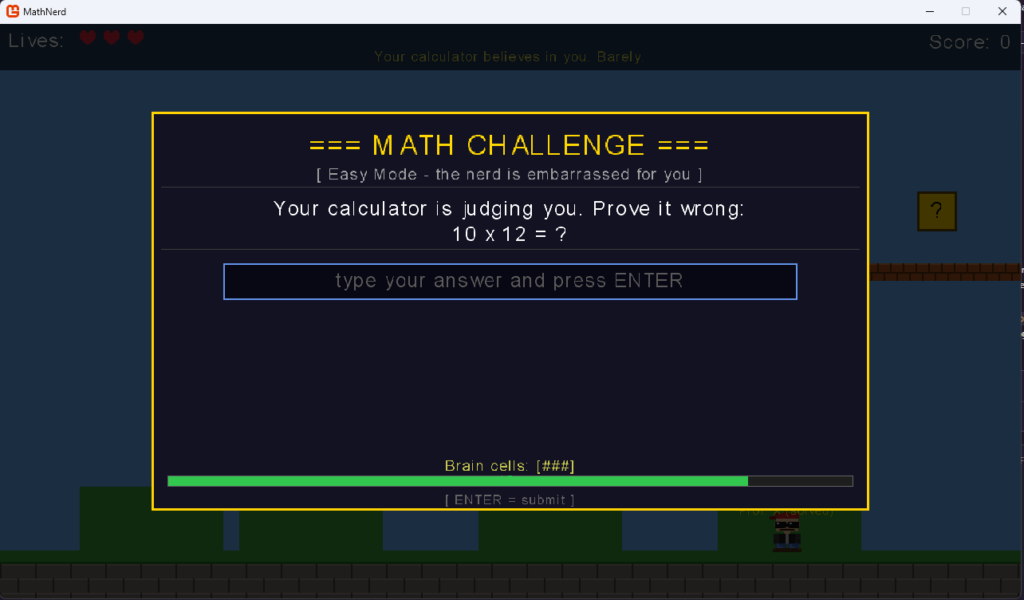
When the player stomps a bully, a popup appears:
=== MATH CHALLENGE ===
[ Algebra - face your destiny, mortal ]

ALGEBRA! The final boss of elementary school!
3x + 5 = 23
What is x?

[ _______________________ ]

Brain cells: [###]          ████████████░░░  12s
15 seconds, 3 attempts. Fail and you lose a life. Math has never hurt this much.
Coyote time and jump buffering
Two pillars of good-feeling platformers:
- Coyote time (0.10s) — you can still jump a moment after walking off a ledge. Because humans have reaction times, not robots.
- Jump buffer (0.12s) — pressing jump just before landing registers the jump. Eliminates the “I pressed it!” frustration.
if (_jumpBufferTimer > 0 && _coyoteTimer > 0)
{
    Velocity.Y       = JumpVel;
    _jumpBufferTimer = 0;
    _coyoteTimer     = 0;
}
Try it yourself
Repository: github.com/letyshub/MathNerd
git clone https://github.com/letyshub/MathNerd
cd MathNerd
dotnet tool restore   # installs dotnet-mgcb content pipeline tool
dotnet run
Requirements: .NET 8 SDK. No Unity Hub, no launchers, no 40 GB download. Refreshing.
Final thoughts
MonoGame is not an engine — it’s a framework. It won’t do anything for you, but it won’t stop you from doing anything either. It’s ideal if you:
- Want to understand how games actually work under the hood
- Like C# and don’t want to learn a new scripting language
- Are building a small 2D game without needing a level editor
- Have too much time and not enough sleep
If you want drag-and-drop and built-in shaders — stick with Unity. If you enjoy debugging collision at 2am — MonoGame is waiting.